A story-ad producer inside Claude
Most cartoon ads fall apart in the planning. The story drifts, the lines run long, and the character has a different face in every scene.
The Cartoon Ad Planner fixes the planning. It asks you five quick questions about your product, your buyer, the length and the style, plus one more: what proof you actually have. Then it works through seven steps with you and waits for your OK after each one.
At the end you get the whole production pack in one message, ready to save:
- The brief: your product, the one problem and the buyer
- The storyline: one sentence you can build on
- The script: numbered lines with the action and the runtime
- The character sheet prompt and a voice description for each character
- The storyboard: one image prompt per frame
- The animation prompts: one clip prompt per frame
- The finishing checklist and your end card text
How the planner takes you from idea to ad
- 1
Product and problem
It restates your brief in three lines and picks the one problem that is easiest to show on screen. One ad, one problem.
- 2
Storyline
One sentence with three parts: problem, turn, result. You get two storylines built on different story shapes, with a recommendation and the reason.
- 3
Script
Dialogue lines of 14 words or fewer, one speaker per line, the first word spoken in the first second, and the product named once, late. It checks the runtime before you see it.
- 4
Lock the character
One character sheet prompt for the whole cast. You generate it, pick the best, and crop each character out. Those single images are the reference for every scene, so the faces stay the same.
- 5
Storyboard
One frame per line of script, with the location, the light, the framing and a ready-to-paste image prompt that always points at your locked character.
- 6
Animate each frame
One animation prompt per frame, with the exact spoken line in quotes so the character says it with matching lip movement. Plus how to judge each clip before you keep it.
- 7
Voices, captions, sound and the cut
A finishing checklist filled in for your script: which voice goes with which character, the caption chunks, the sound for each scene and the order to cut the clips in.
A few lines from the skill itself
These come straight from the planner's own instructions and prompt patterns. The words in capitals get filled in for your ad.
"A dad who works every evening (problem) starts using a system that does his follow-ups (turn), and now his daughter wants to know why he's home for dinner (result)."
"Mom, why is Dad eating with us?"
Someone close to the hero states the change as a nosy or worried question.Use the attached reference image of NAME for the face, hair and outfit, exactly. STYLE LINE. 9:16 vertical frame. FRAMING (close-up / medium / wide). NAME stands on the LEFT/RIGHT, looking screen-RIGHT/LEFT, EXPRESSION, ACTION, hands below the chin.
Animate this frame. NAME starts speaking on the first frame and says, clearly and naturally:
"EXACT LINE"
The line finishes with about half a second of silence before the clip ends. Nothing is said before
or after the line. Keep the face, hair and outfit exactly as in the frame.
The planner fills every prompt in for your product, your characters and your script.
Any business owner with something to sell
A clinic, a shop, a service, a course, an app. If you can say what you sell and what problem it solves, the planner can build a story around it.
What it does not do: it does not generate the images, clips or voices for you. It plans the ad so well that generating it is the easy part.
Where should I send it?
Enter your name and email. The download page opens straight away, and the link lands in your inbox too.
What you get: the skill file, ready to upload to Claude, plus a step-by-step install and use guide.
Muhammad Asmal
Muhammad Asmal is an AI business growth strategist and the founder of Asmal Digital and AI Lead Builder. He helps business owners put AI to work in practical ways, drawing on more than 13 years of digital marketing agency experience. He has delivered in-person AI workshops across the US, South Africa and Dubai, and his AI education content has passed 10 million views across TikTok and Instagram.
Build with a community behind you.
Join the AI Lead Builder community for practical support putting AI to work in your business.
Your membership brings together weekly coaching with Muhammad, training and call replays, business software, and the Agency OS plugin.
Learn and get help
Weekly coaching, training, and a community of business owners.
Build and put it to use
Agency OS plus software for your CRM, funnels, and follow-up.
Hear it from members, on camera
Straight from the community chat
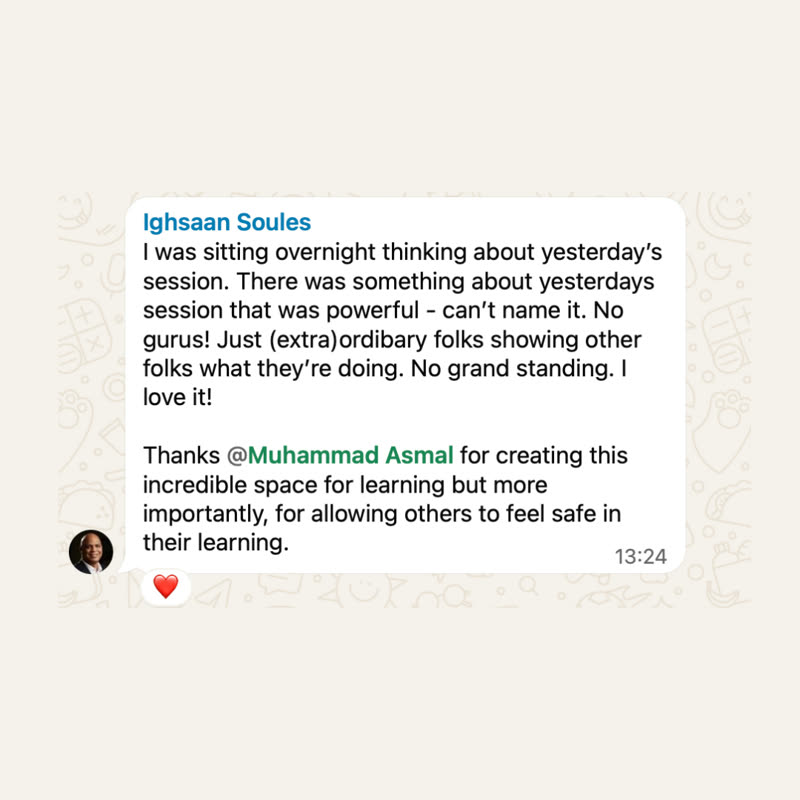
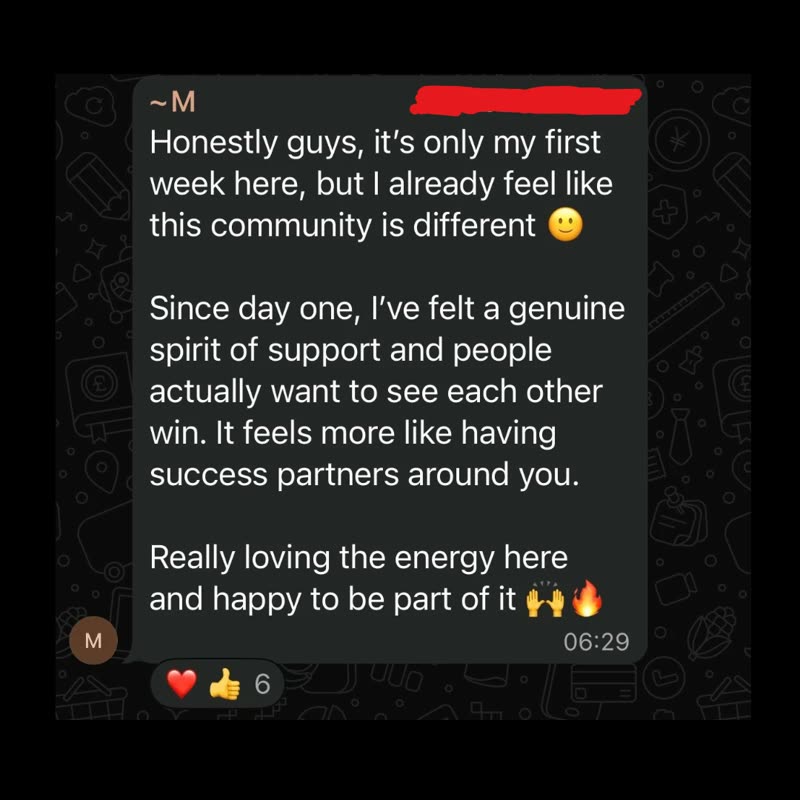
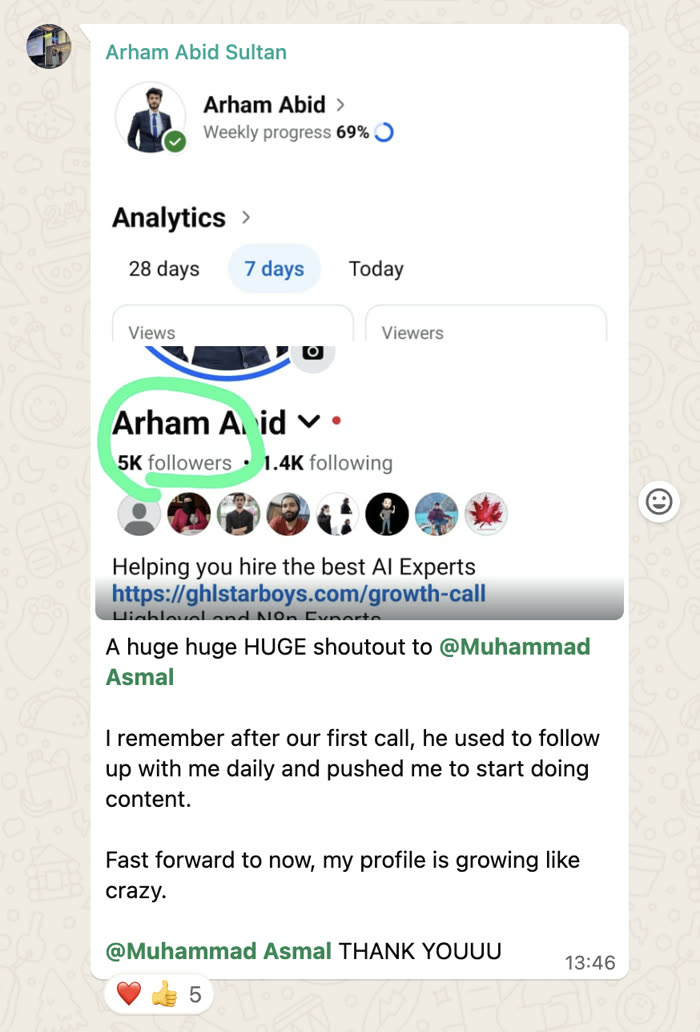
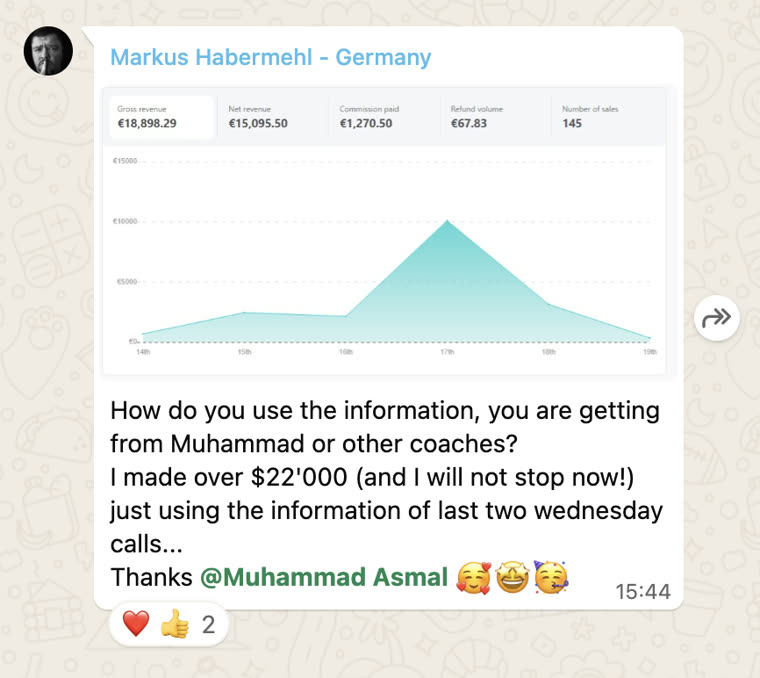
Shared with each member's permission. Individual results vary.
Cancel anytime.
Join AI Lead BuilderSee the membership details and current offer on the next page.